

6 tutorials · about 12 minutes · Free
Digital Tools for Teaching Empathy
Six short tutorials that show teachers how to use popular classroom tools — Animoto, Canva, Kahoot, Padlet, Pixton and Wordwall — for empathy activities.
Each tutorial takes about two minutes. It explains what the tool is, how to get started, and one concrete empathy activity to run with students, such as a one-minute empathy story video, an empathy poster, or a live quiz followed by class discussion.
Six Tools, Six Empathy Activities
Animoto, Canva, Kahoot, Padlet, Pixton and Wordwall · about 2 minutes each
 1:57
1:57
Lesson 1
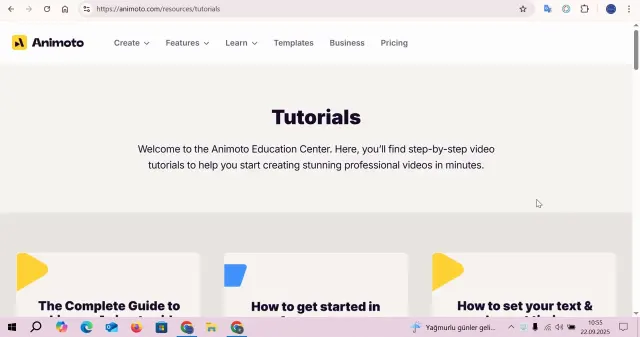
Animoto for Empathy in the Classroom
Use Animoto to create short, engaging videos that help students express and reflect on empathy-related scenarios.
 1:55
1:55
Lesson 2
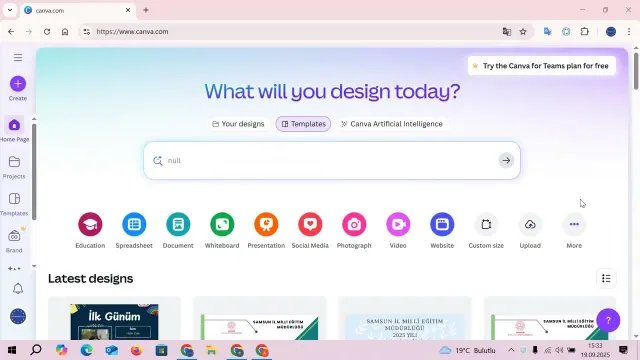
Canva for Empathy Posters
Design empathy-themed posters and visual reminders with Canva to reinforce key concepts around the classroom.
 2:10
2:10
Lesson 3
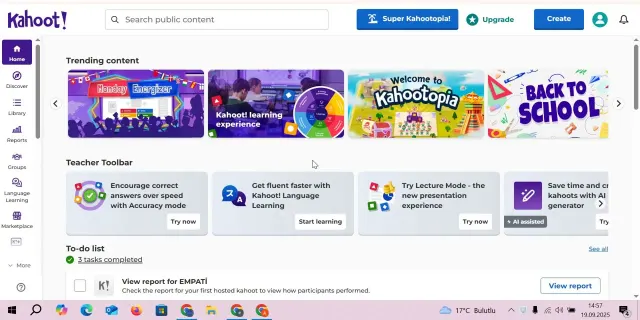
Kahoot Empathy Quiz
Run a live Kahoot quiz to test and reinforce students' understanding of empathy concepts in a fun, competitive format.
 1:55
1:55
Lesson 4
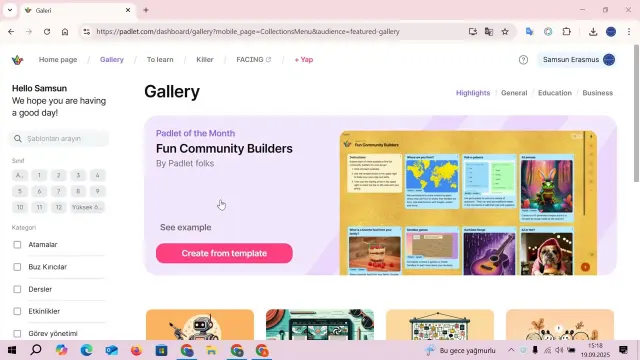
Padlet for Practicing Empathy
Use Padlet as a collaborative board where students can share thoughts, feelings, and perspectives to practice empathy.
 1:38
1:38
Lesson 5
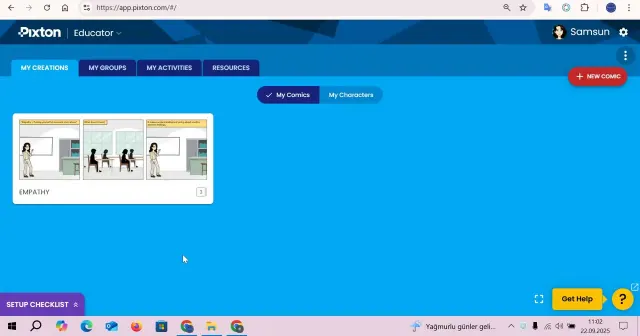
Pixton for Practicing Empathy in the Classroom
Create comic strips with Pixton to help students visualize and practice empathetic responses in different scenarios.
 2:05
2:05
Lesson 6
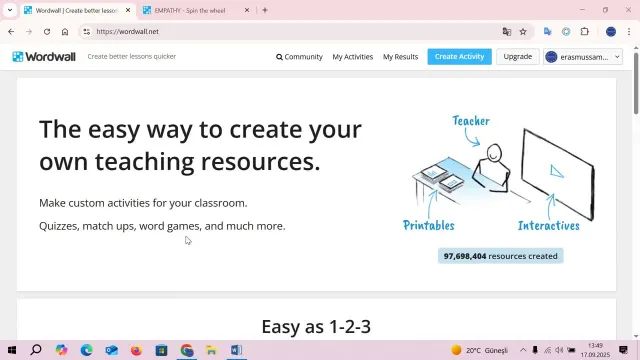
Wordwall Empathy Game
Play an interactive Wordwall game to reinforce empathy vocabulary and concepts in an engaging way.
Frequently asked questions
Which digital tools are covered?
Six tools: Animoto for empathy story videos, Canva for empathy posters, Kahoot for an empathy quiz, Padlet for a shared empathy wall, Pixton for empathy comics and Wordwall for an empathy game.
How long is each tutorial?
Each tutorial takes about two minutes. It explains what the tool is, how to get started and one empathy activity to run with students.
Are the tools free for teachers?
The tutorials show how to sign up for each tool with an email, Google or Microsoft account. Canva and Wordwall are described in the tutorials as free to start with; check each tool's website for its current plans.
Do students need their own devices?
Not always. Several activities can be projected for the whole class, and the tutorials also show how students can take part on their own devices when they have them.
Is the tutorial series free?
Yes. All six tutorials are free to watch and no registration is needed.